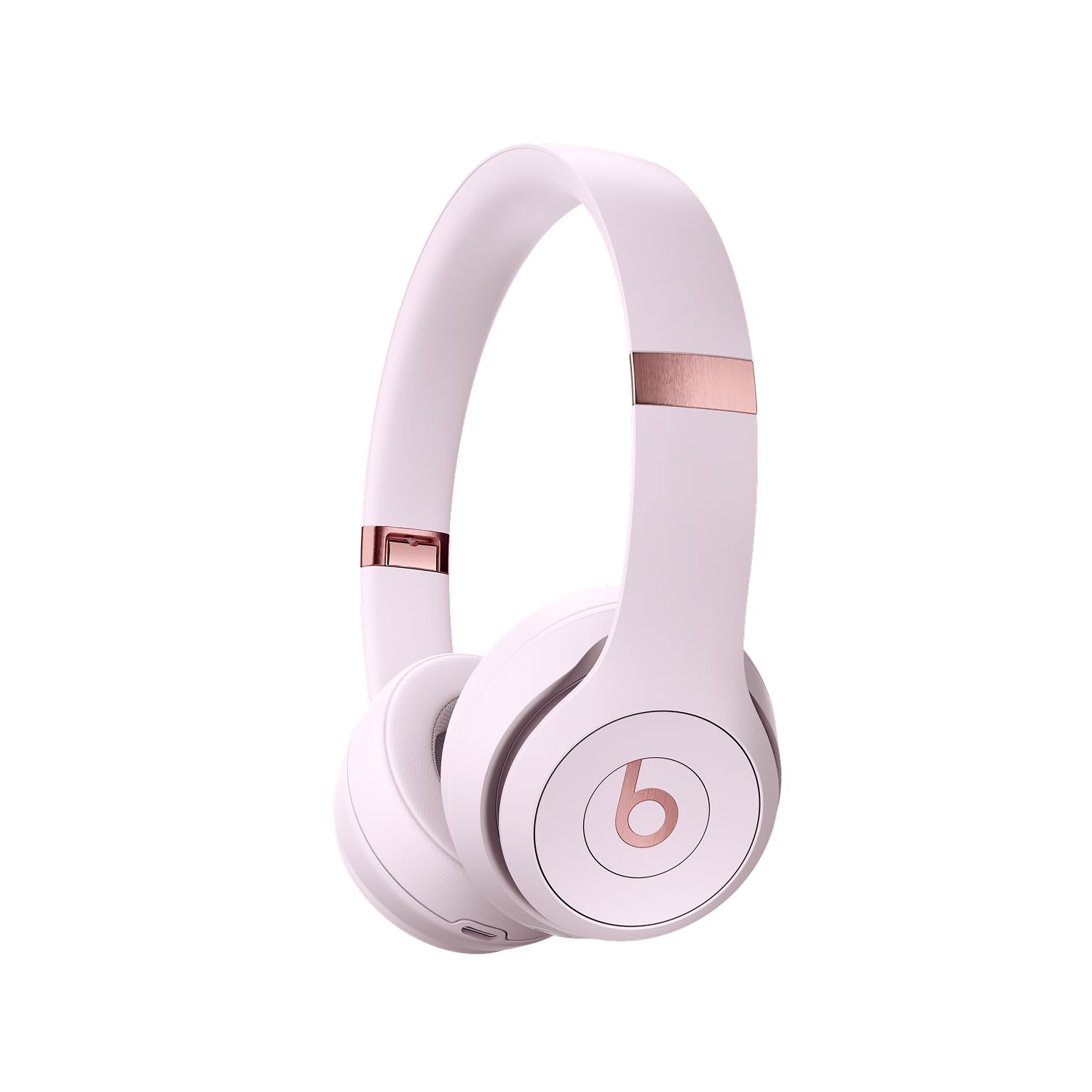
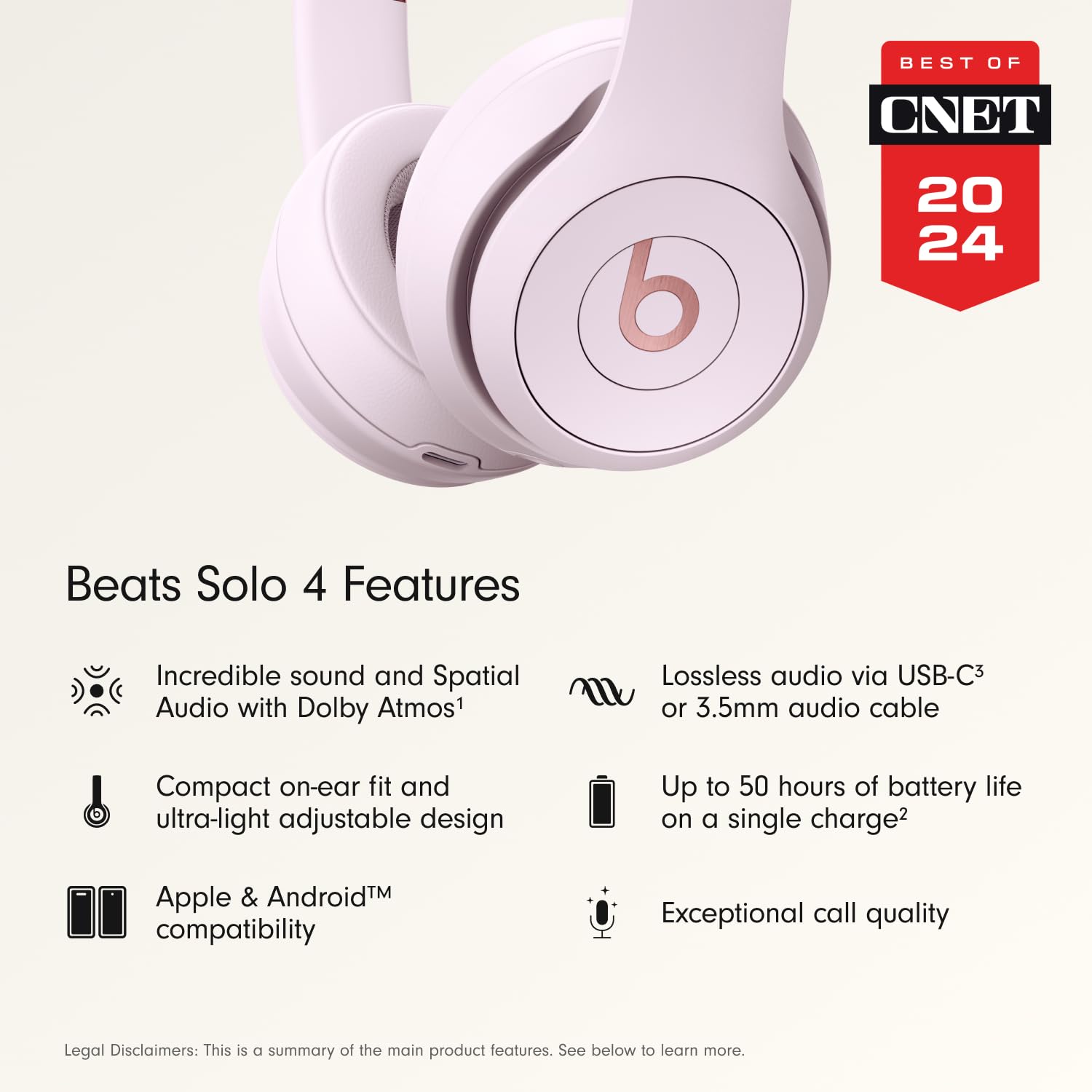
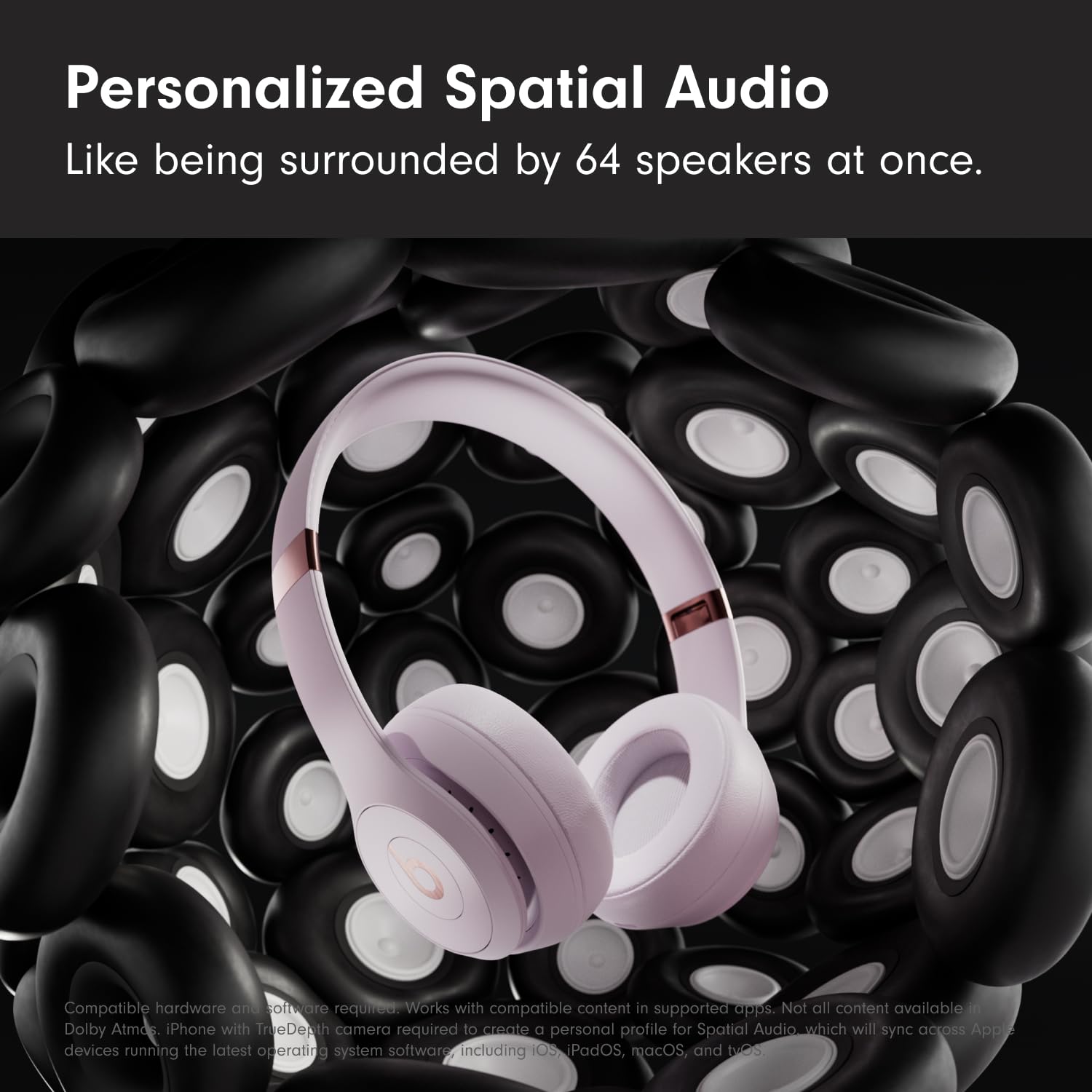
- Custom acoustic architecture and updated drivers for powerful Beats sound. Personalized Spatial Audio with dynamic head tracking.
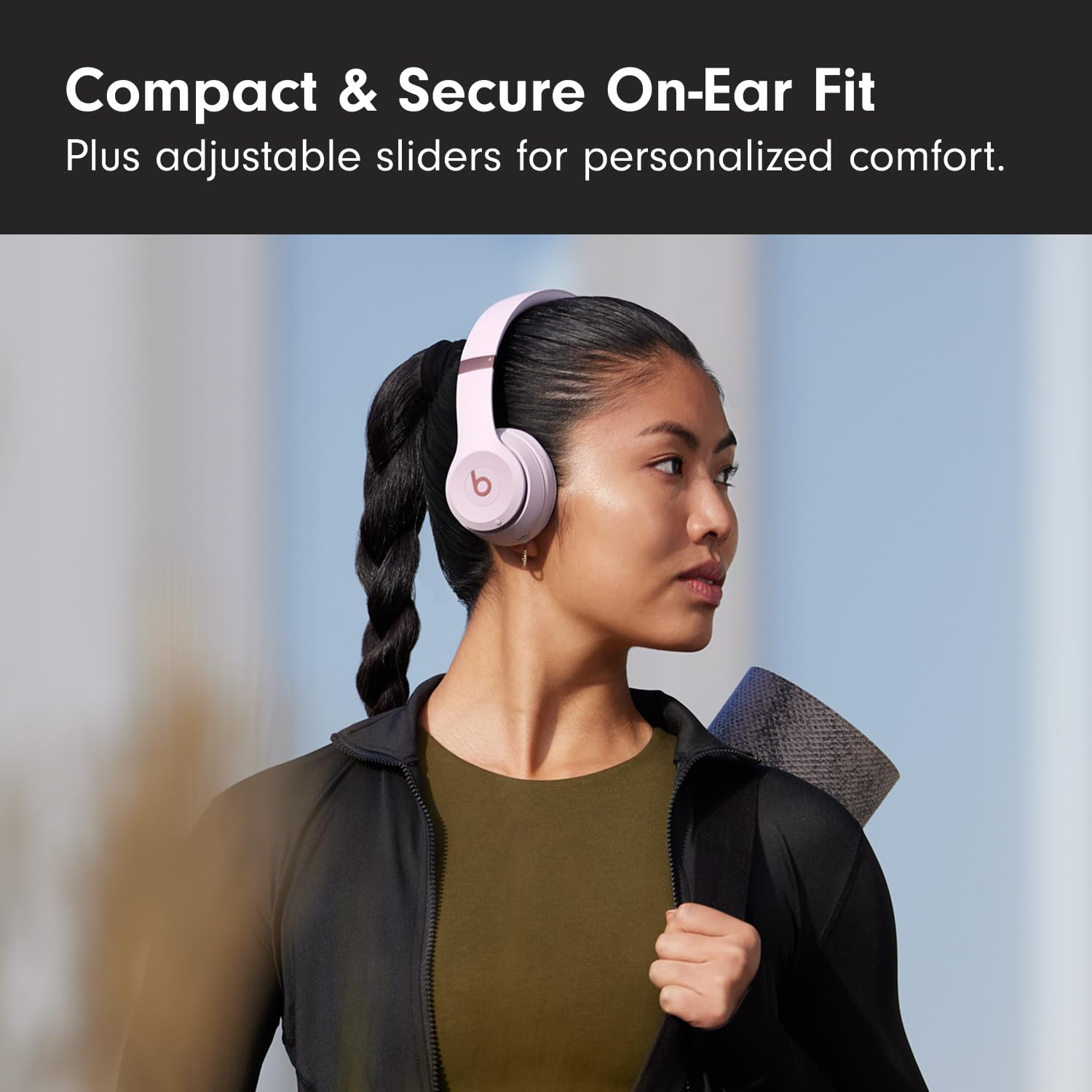
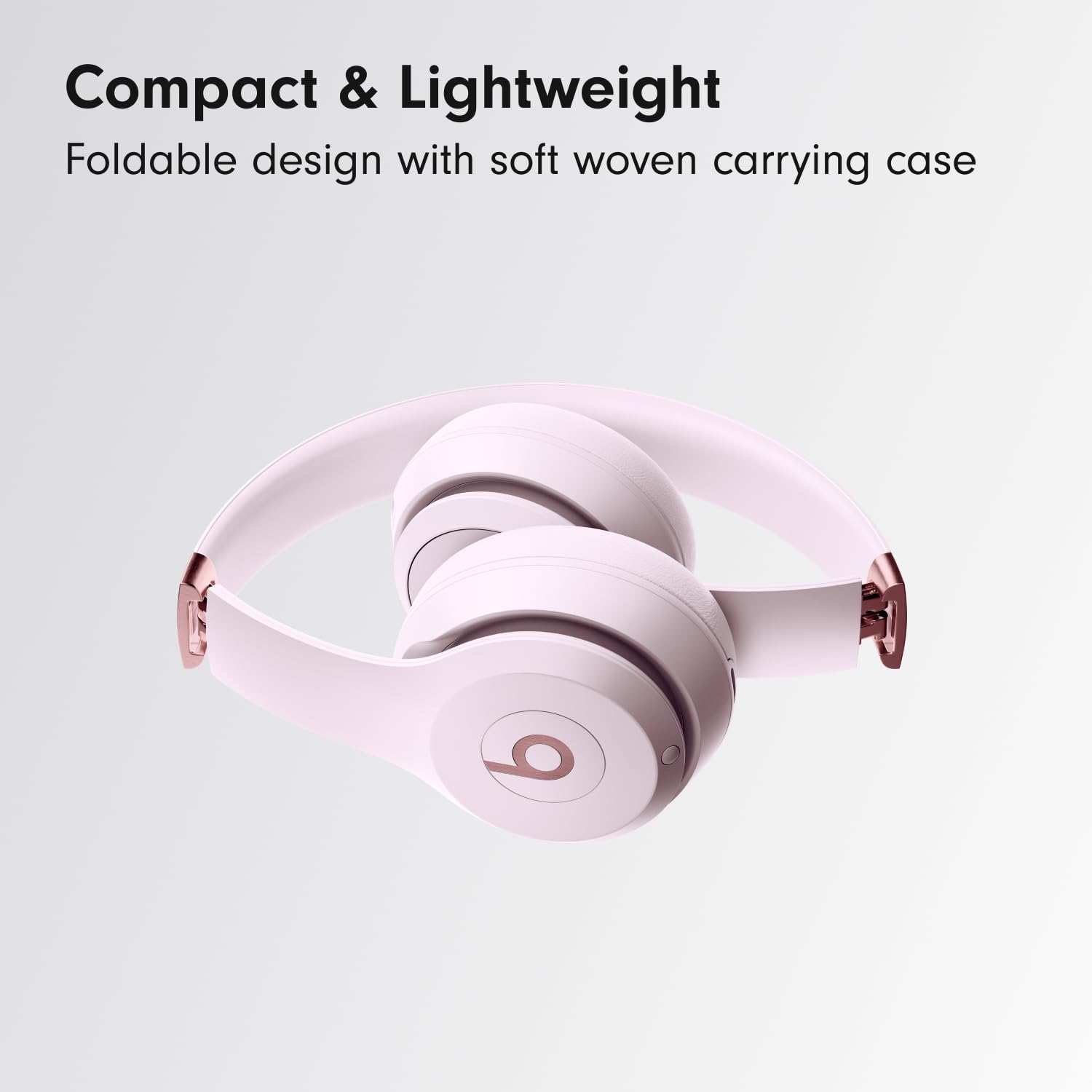
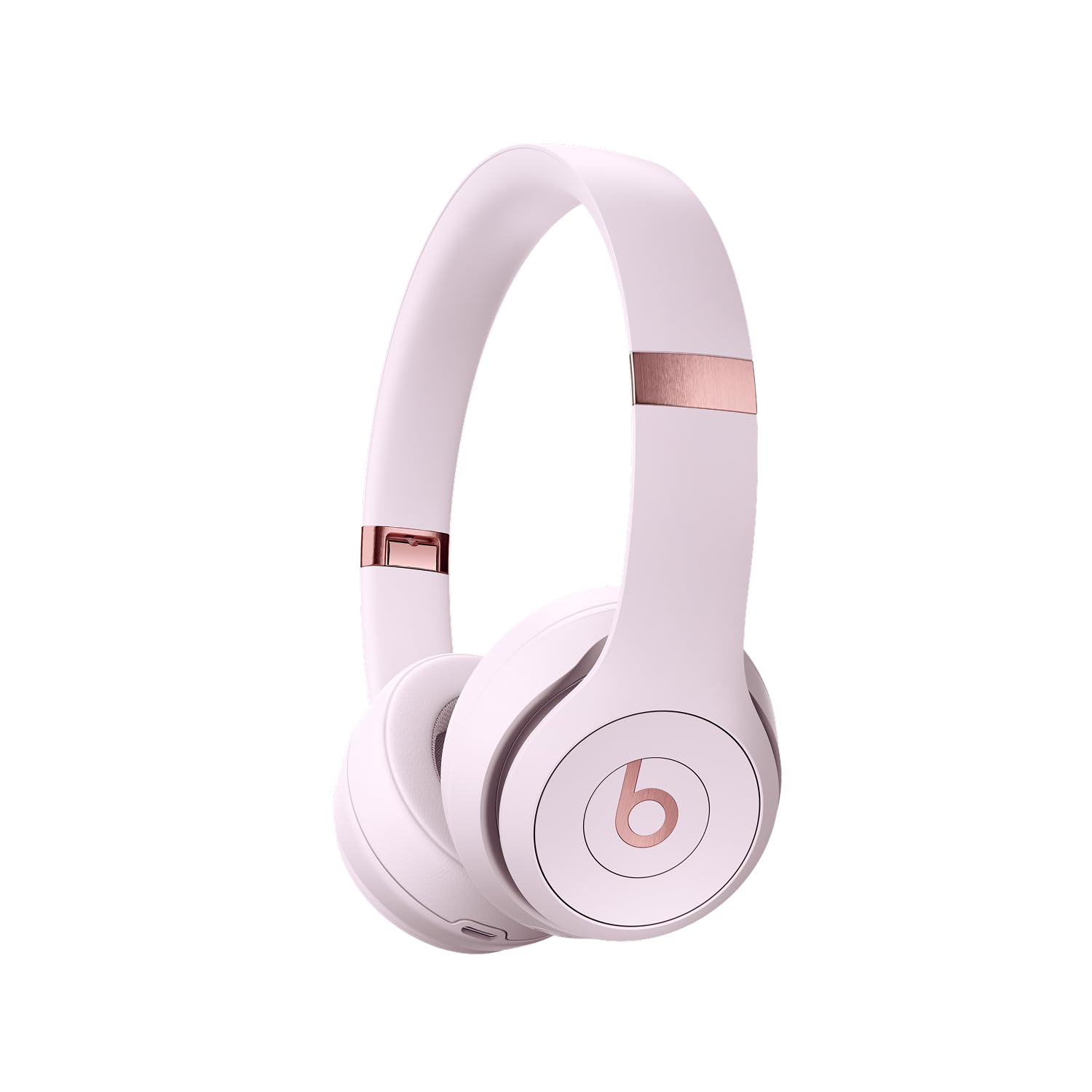
- Ultralight ergonomic design for all-day comfort. Flex-grip headband and ergonomically angled, adjustable ear cups for a stable fit.
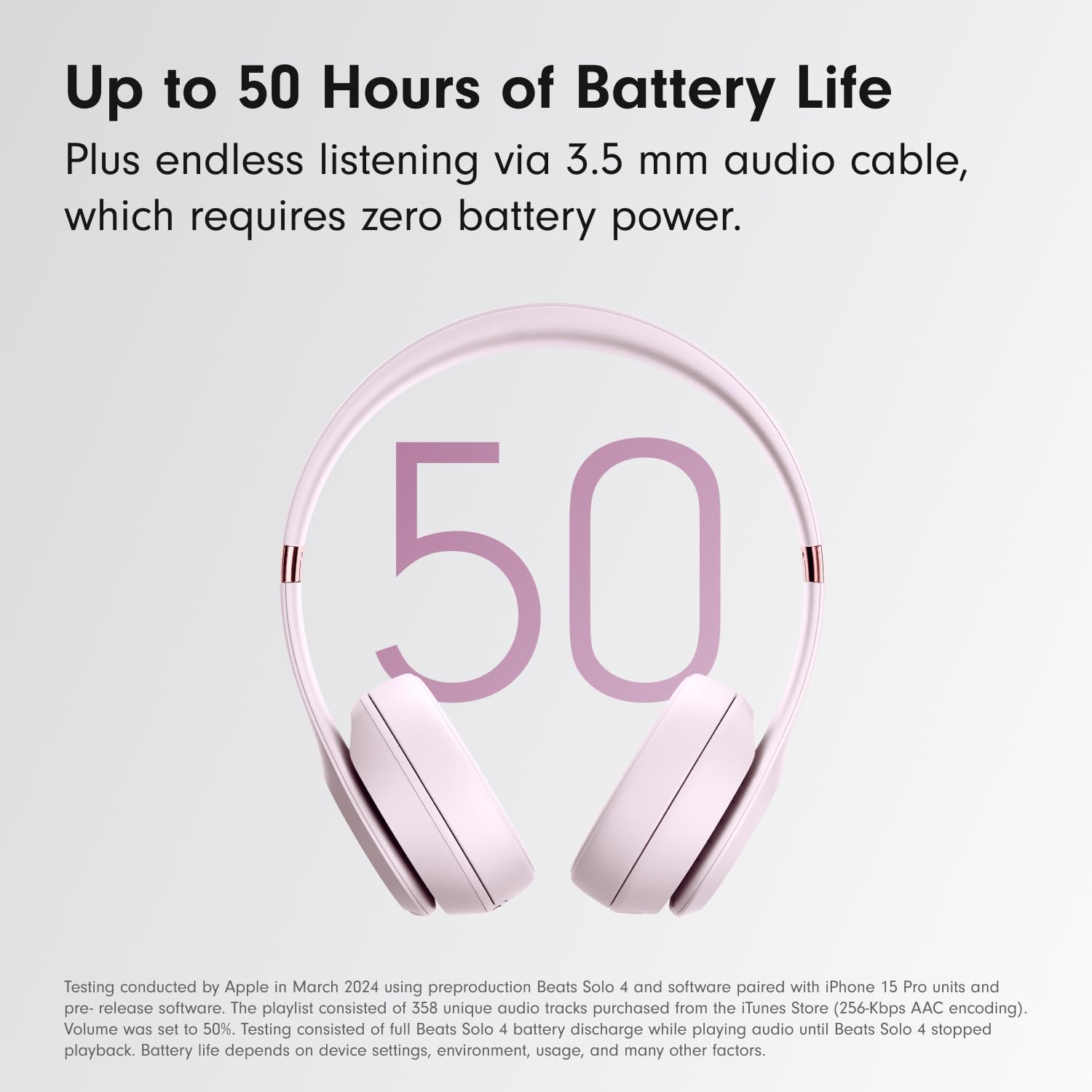
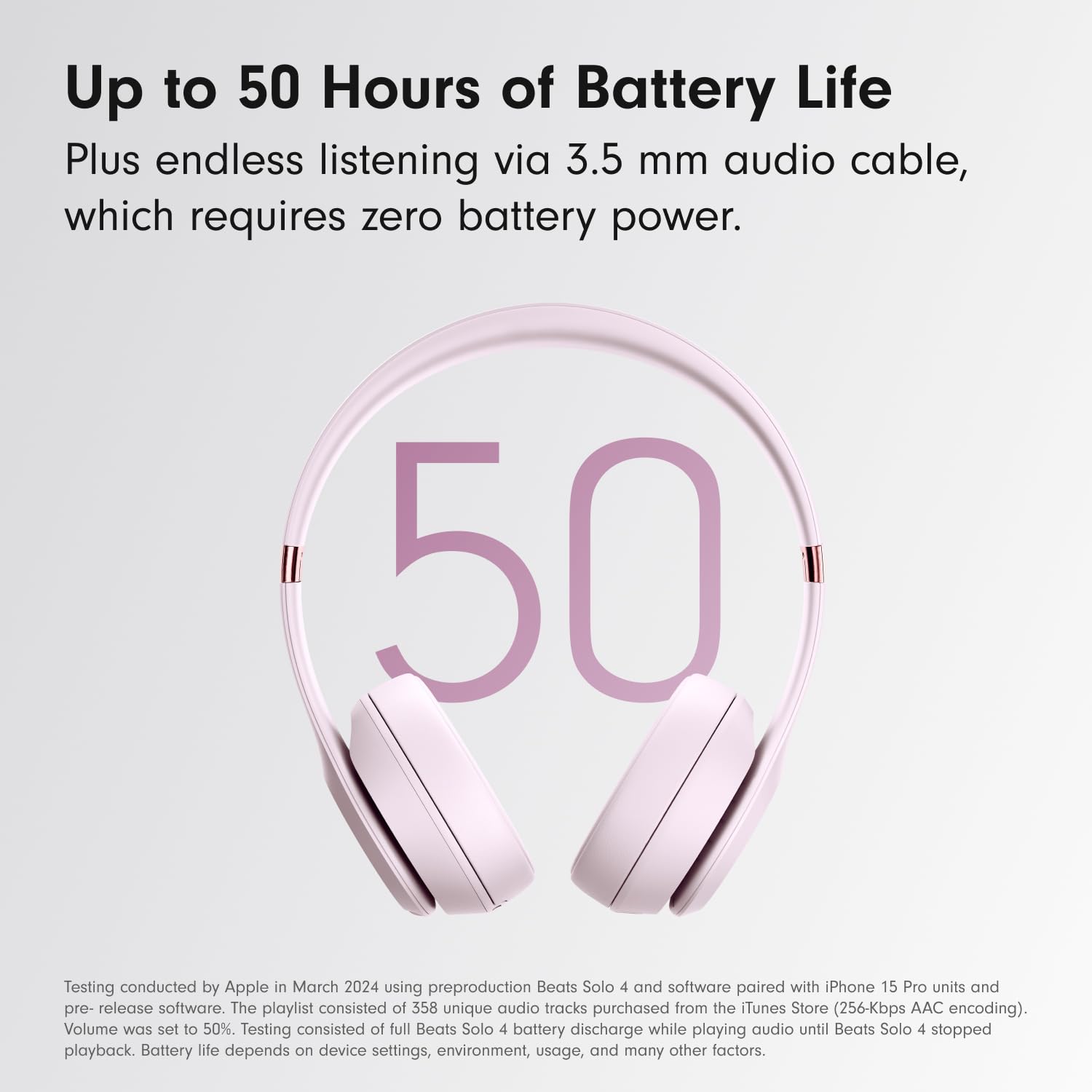
- UltraPlush ear cushions are designed for comfort and durability. Up to 50 hours of battery life.
How do I pair with my iPhone?
Pairing mode is automatically enabled the first time you power on Beats Solo 4. To pair an iPhone running the latest iOS, simply hold the headphones near an unlocked phone and follow the on-screen instructions. Or, go to the Bluetooth menu and select “Beats Solo 4”.
How do I pair with my Android device?
Pairing mode is automatically enabled the first time you power on Beats Solo 4. To pair using Google Fast Pair, a one-touch pairing on-screen prompt will appear on your Android device. For older Android devices or to pair manually, use the Beats app or pair in the Bluetooth menu by selecting “Beats Solo 4”. To download the Beats app, visit the Google Play store or download directly from beatsbydre.com.
How do I pair with additional Bluetooth devices?
To initiate pairing mode again, hold down the Power button on the right ear cup until the LED light on the left ear cup begins to blink white. Beats Solo 4 is now in pairing mode and can be paired to any standard Bluetooth device.
How do I activate Siri or other voice assistants?
On Apple devices, you can activate Siri hands-free by saying, “Hey Siri”. Or, press and hold the ‘b’ button to activate your voice assistant on your iOS or Android device.
Do my headphones have a microphone?
Beats Solo 4 has two digital beam-forming microphones powered by an advanced voice-learning algorithm for voice targeting and noise suppression. The algorithm was tested in over 7,000 hours of noisy environments to better isolate your voice.